Maropost Marketing Cloud

Email marketing campaigns with Maropost

Get more out of every send.

The Maropost email and SMS marketing platform (Marketing Cloud) puts every email in front of each contact at their best time, in the version most likely to get a click.
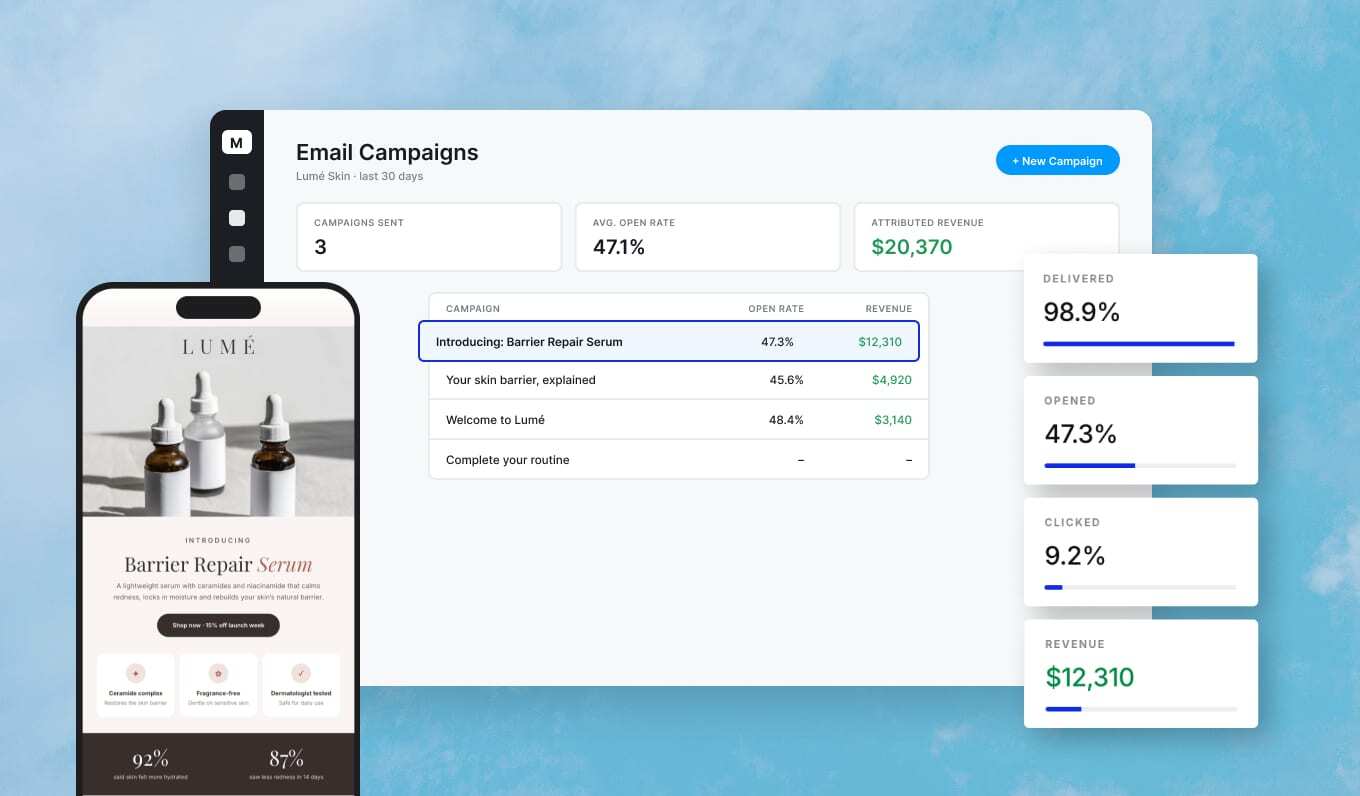
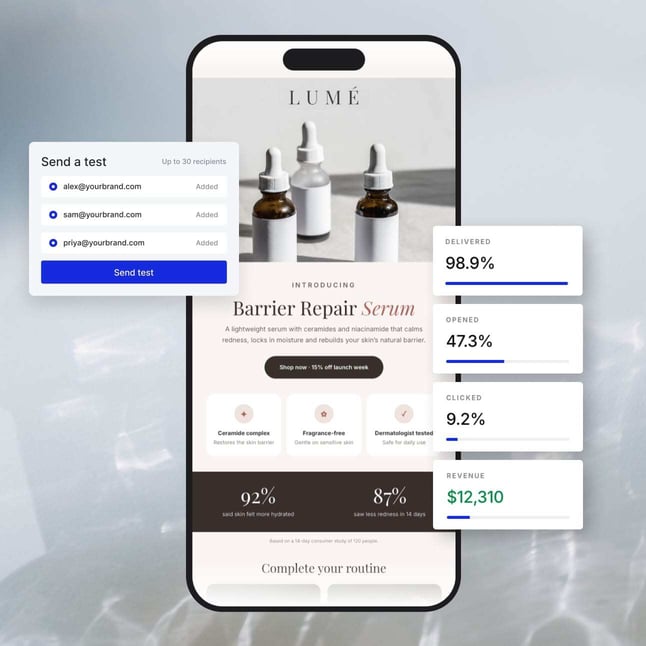
Maropost Email Campaigns dashboard for Lumé Skin with a phone showing the Barrier Repair Serum email and delivered, opens, clicked, and revenue tiles

Get a personalized demo

Who This Is For

Built for businesses that want more from every email campaign

Maropost handles the timing and the testing for you, so every campaign has a better chance of getting clicks.

  • Marketers, coaches, and creators who want emails that bring in bookings, sign-ups, and sales.
  • Marketing teams looking to track campaign revenue and make smarter decisions.
  • Agencies managing multiple brands who need to create on-brand emails faster.
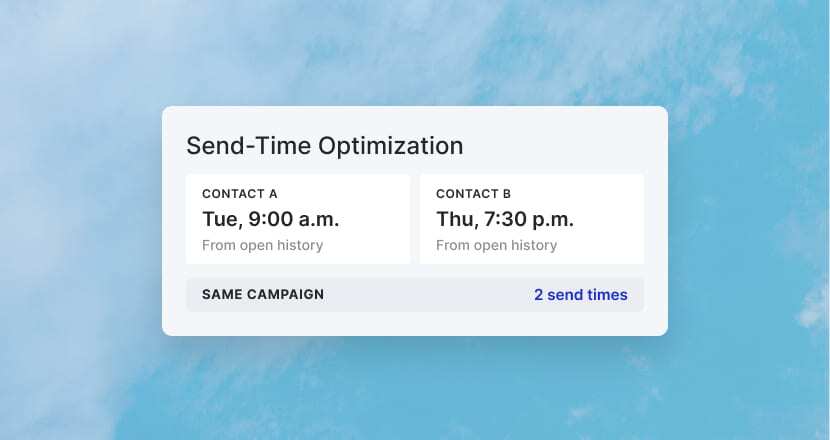
Send-Time Optimization panel showing Contact A at Tue, 9:00 a.m. and Contact B at Thu, 7:30 p.m. for the same campaign

Reach people when they are paying attention

Emails go out on the day and hour each person is most likely to engage, based on their own habits.
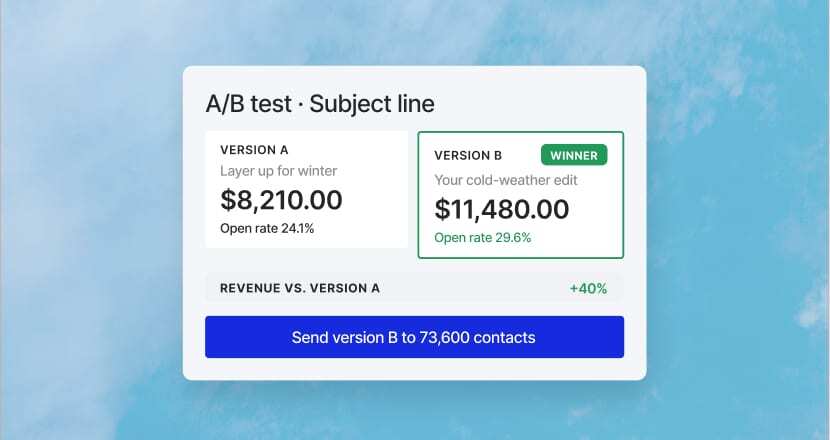
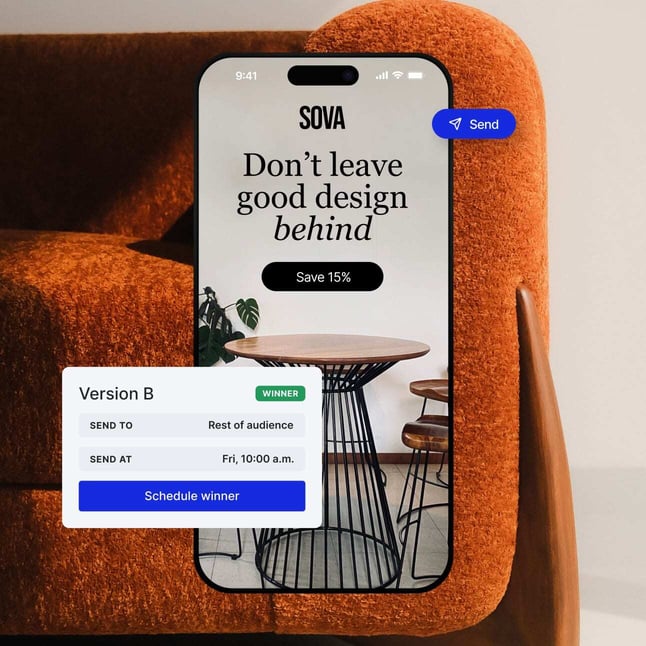
A/B test result with version B marked as winner at $11,480.00, up 40% in revenue over version A

Pick the winning email based on conversions

Your full list gets the version your audience responds to most.
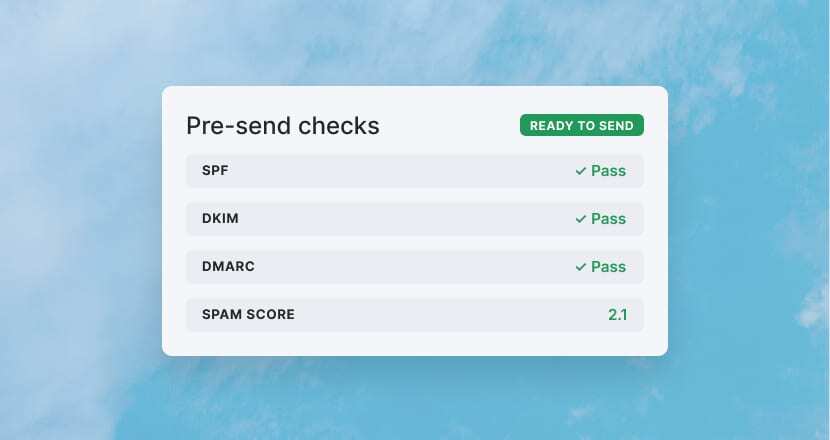
Pre-send checks panel showing SPF, DKIM, and DMARC passing and a spam score of 2.1, ready to send

Give campaigns a better shot at the inbox

Every campaign is set up and checked for a better chance of being seen.
Inbox and reporting

See every email land, and what it earned.

Track delivery, opens, clicks and revenue for every send, right next to the email itself.

Send-Time Optimization and Scheduling

Send emails when each contact is most likely to engage

Pick the best time to send marketing emails for each contact, then let Maropost run the schedule.

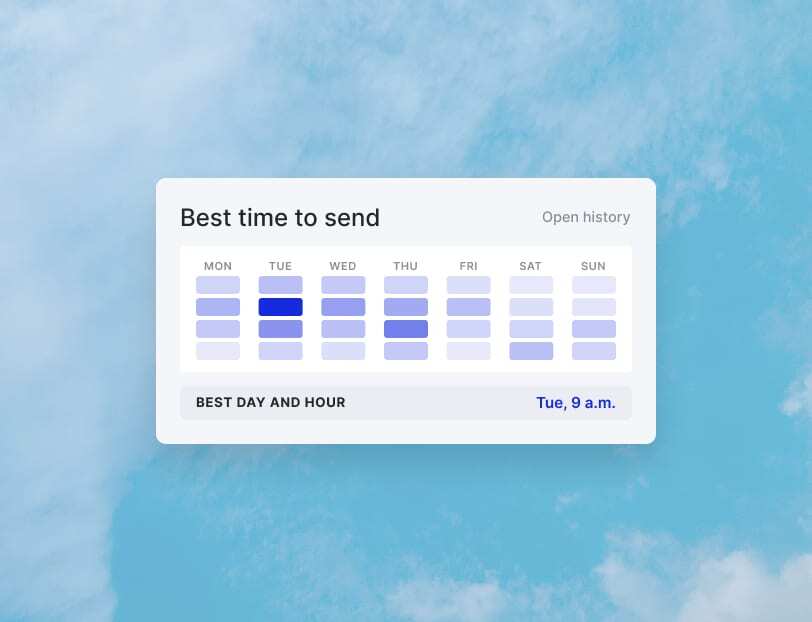
Best time to send heatmap from open history with Tue, 9 a.m. as the best day and hour

Send on each contact's open habits

Send-Time Optimization reads open history and picks each contact's best day and hour.
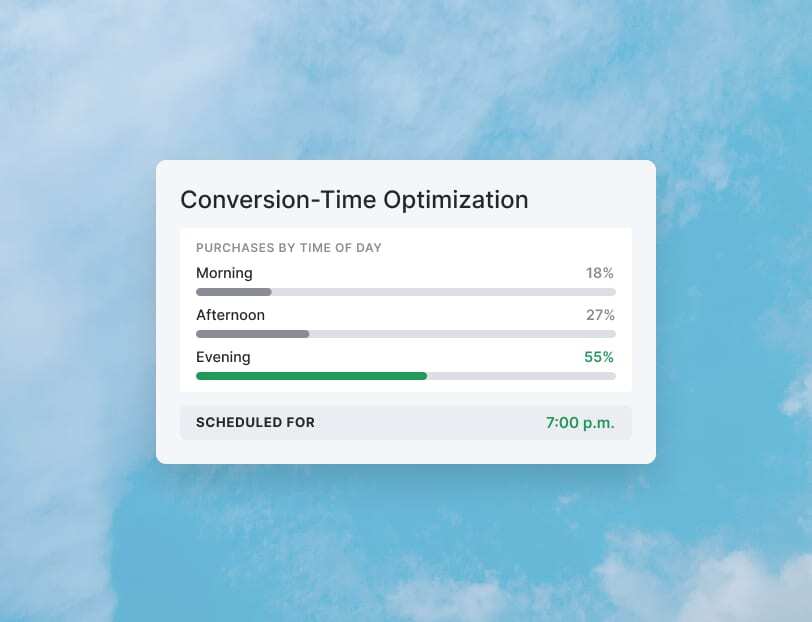
Conversion-Time Optimization panel showing 55% of purchases in the evening, scheduled for 7:00 p.m.

Follow buying habits

Reach customers when they are most likely to buy. Conversion-Time Optimization schedules each email around a contact's online purchase habits.
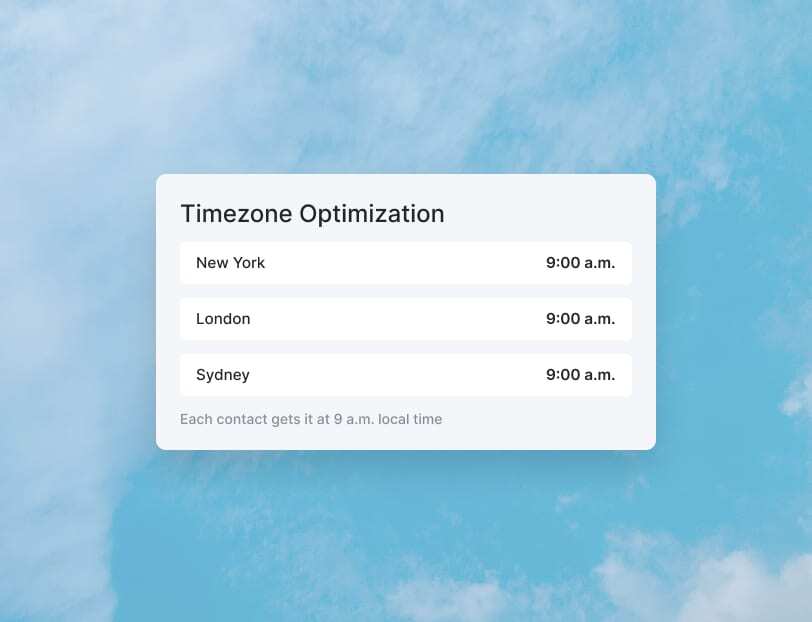
Timezone Optimization panel delivering at 9:00 a.m. in New York, London, and Sydney

Deliver in local time

Nobody gets your 9 a.m. email at 3 a.m. Timezone Optimization sends each campaign in the contact's own time zone.
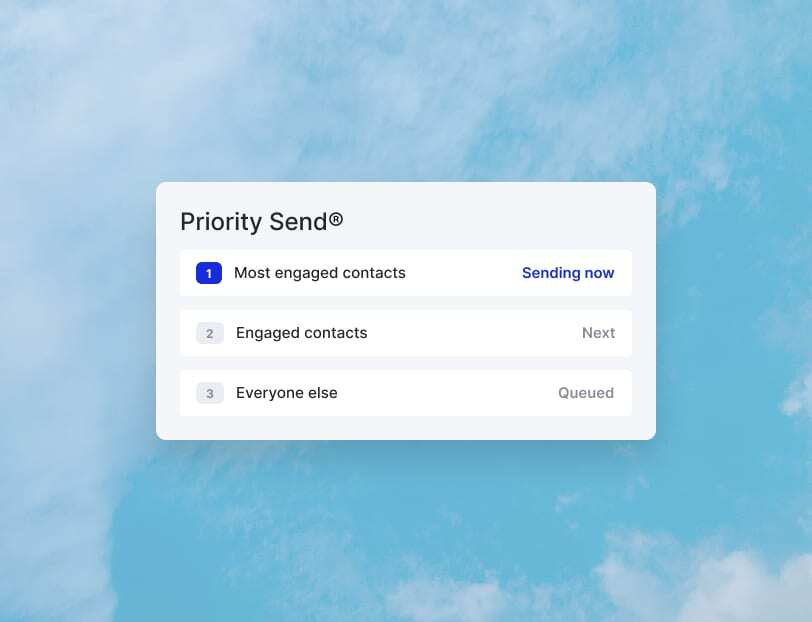
Priority Send panel sending to most engaged contacts first, then engaged contacts, then everyone else

Lead with your most engaged contacts

Priority Send® delivers to them first, which supports inbox placement.
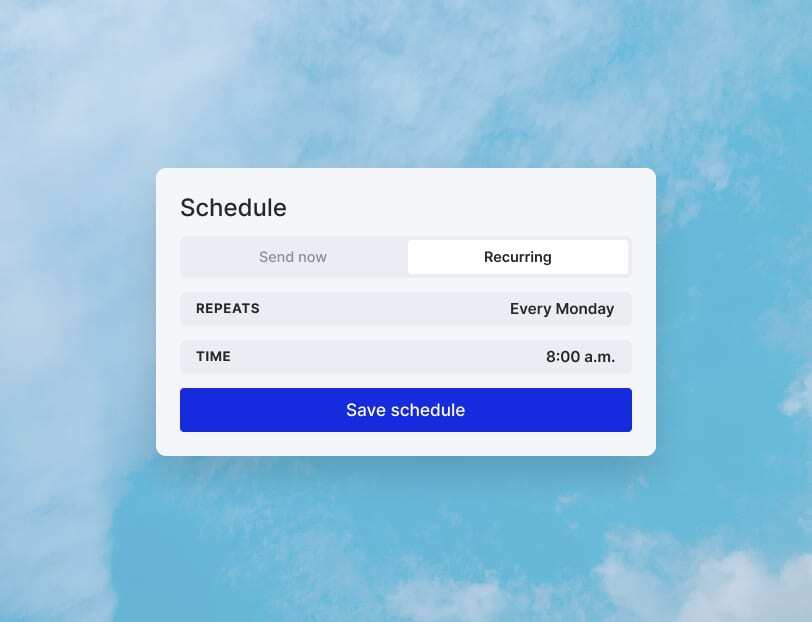
Recurring schedule set to repeat every Monday at 8:00 a.m.

Send now, or set it to repeat

Send immediately, or set a recurring schedule and let the campaign run without you.
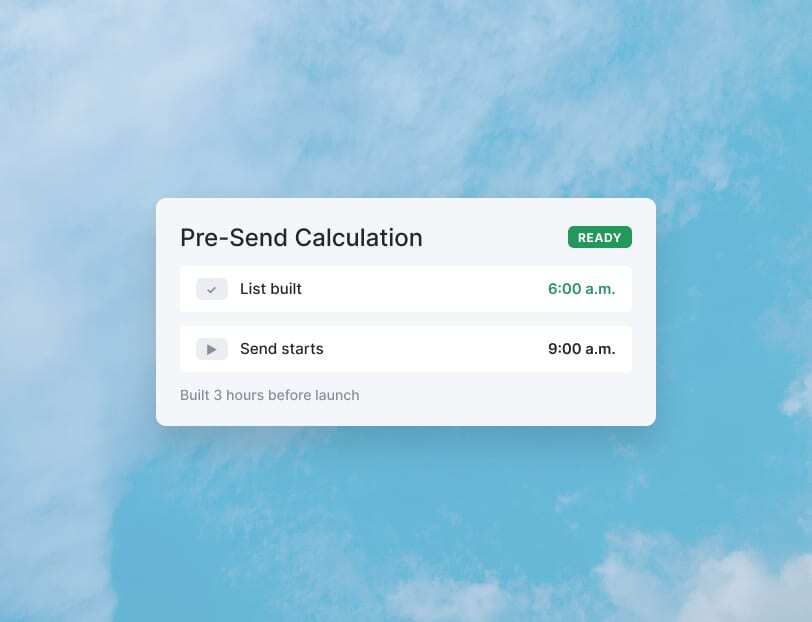
Pre-Send Calculation panel with the list built at 6:00 a.m. and the send starting at 9:00 a.m.

Have large lists ready on time

For a large or complex audience, Pre-Send Calculation builds the list three hours before launch, so it is ready when the send starts.

Tests and Winners

Email A/B testing that picks winners on conversions

Email split testing in Maropost proves which version works before it goes to your full list.
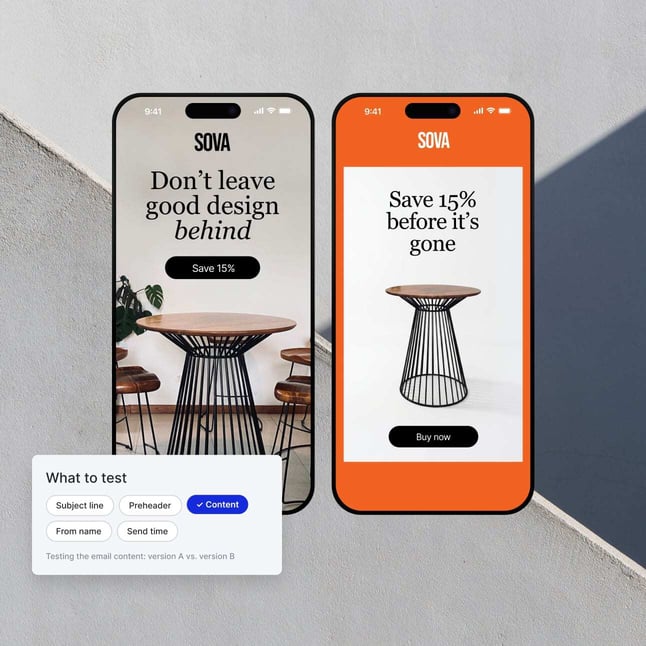
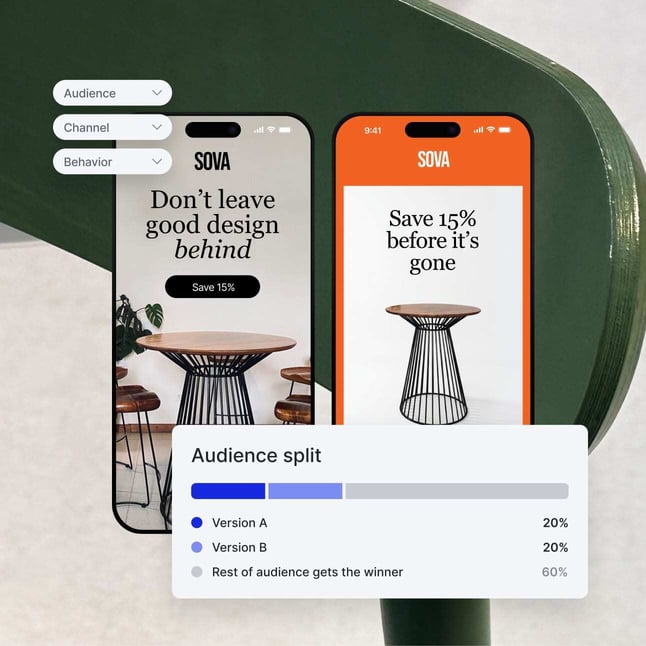
Two phone emails from SOVA tested against each other, with a What to test panel set to content

Compare subject lines, preheaders, content, from names, and send times, and learn what your audience responds to.

Authentication and Lists

Give every email campaign a better shot at the inbox

Maropost gives every sender the tools behind email deliverability, from the sending domain to list upkeep.

Prove your emails are really from you

SPF, DKIM, and DMARC authentication, plus a custom return path, show mailbox providers that your mail is legitimate.

Build your sender reputation steadily

IP and domain warm-up raises your sending volume gradually while your reputation builds. Dedicated IPs, a paid option, give you sending addresses of your own.

Give each brand its own identity

Brand-level sending gives every brand its own DKIM header and tracking domain.

Stay in control of your sender reputation

A custom link tracking domain keeps your links on your own domain, so other brands' sending can't affect how mailbox providers see you.

Catch problems before the next send

Deliverability reports, Google Postmaster Tools support, and alerts for high spam scores show where a campaign is at risk.

Keep your list healthy

Do Not Mail suppression lists, list hygiene segments, and preference management handle unsubscribes and spam complaints.

Score and Preview

Catch mistakes before the email campaign goes out

The Maropost email spam checker scores every campaign before it can send, and you see what readers will receive.
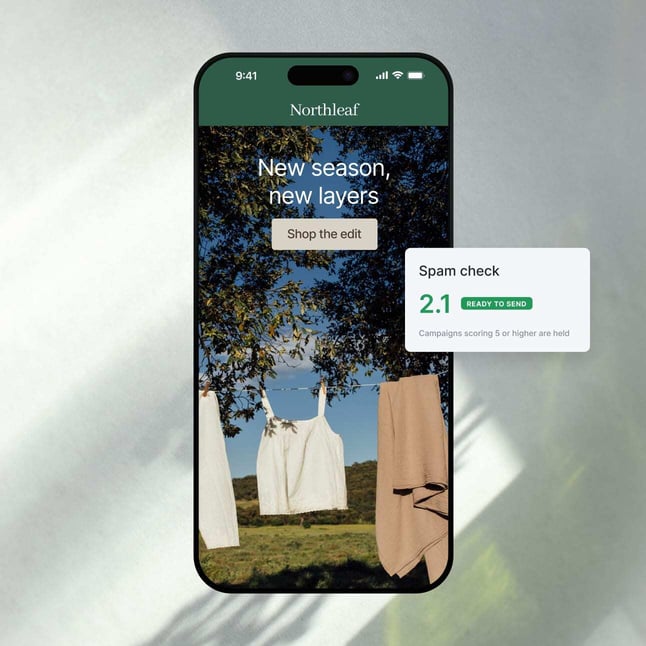
Phone showing a Northleaf email next to a spam check panel scoring 2.1, ready to send

Every campaign gets a spam score. Anything scoring 5 or higher is held back, and recommendations show you what to change.
Segmentation and Targeting

Send every email campaign to the right audience

Email segmentation in Maropost groups contacts by what they open, click, buy, and browse, so your targeted email marketing reaches the people most likely to respond.

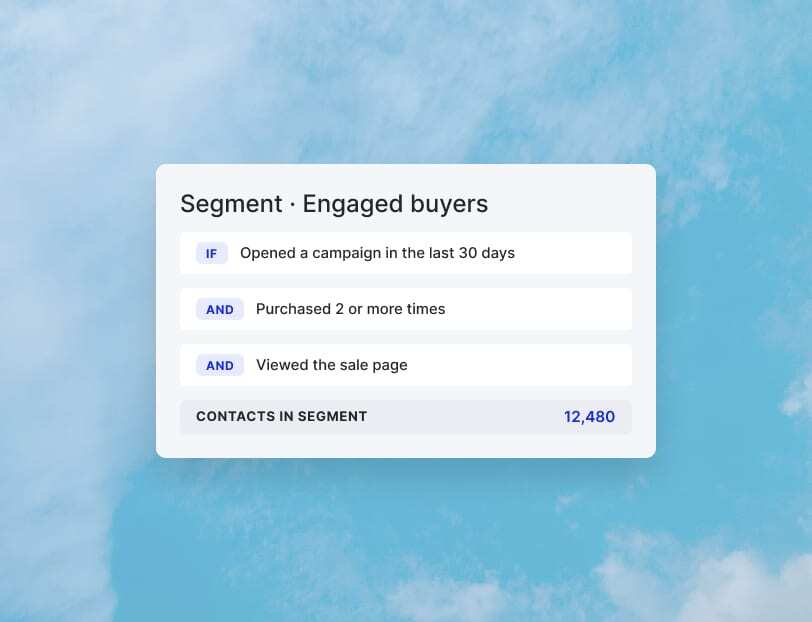
Engaged buyers segment rules with 12,480 contacts in segment

Reach people with what interests them

Segments draw on campaign activity, purchases, website behavior, and contact attributes.
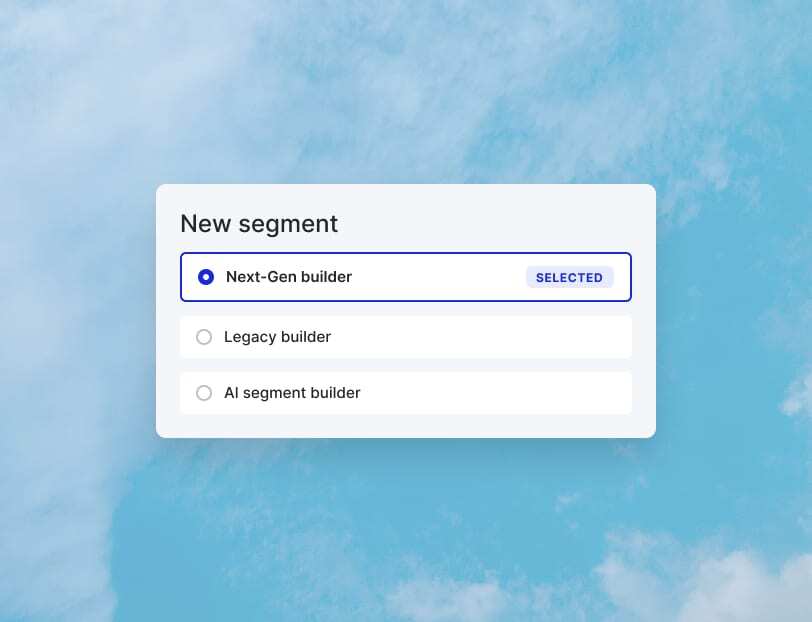
New segment panel with Next-Gen, legacy, and AI segment builder options

Build audiences the way you work

Use the Next-Gen, legacy, or AI segment builder, whichever suits how you work.
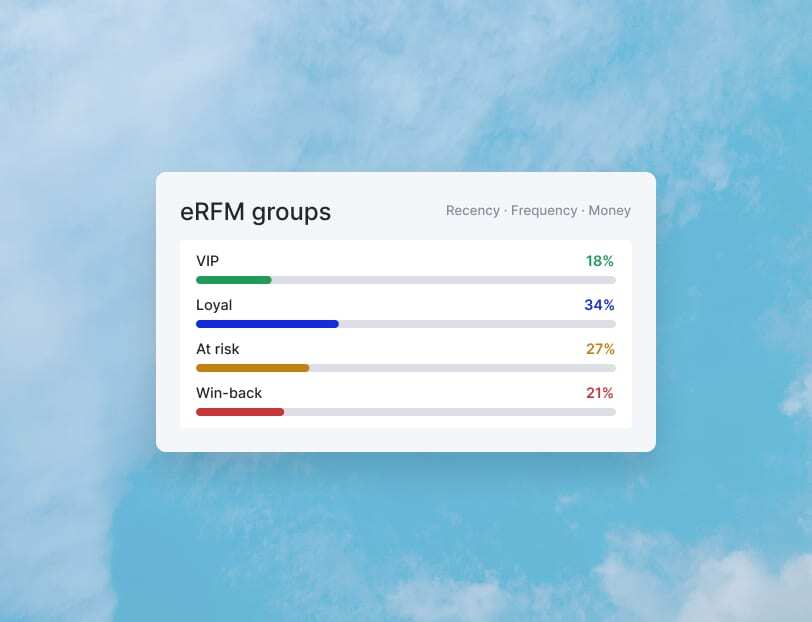
eRFM groups showing VIP, Loyal, At risk, and Win-back shares

Find your most valuable customers

eRFM scores each customer on how recently, how often, and how much they buy, so you can find your best customers fast.
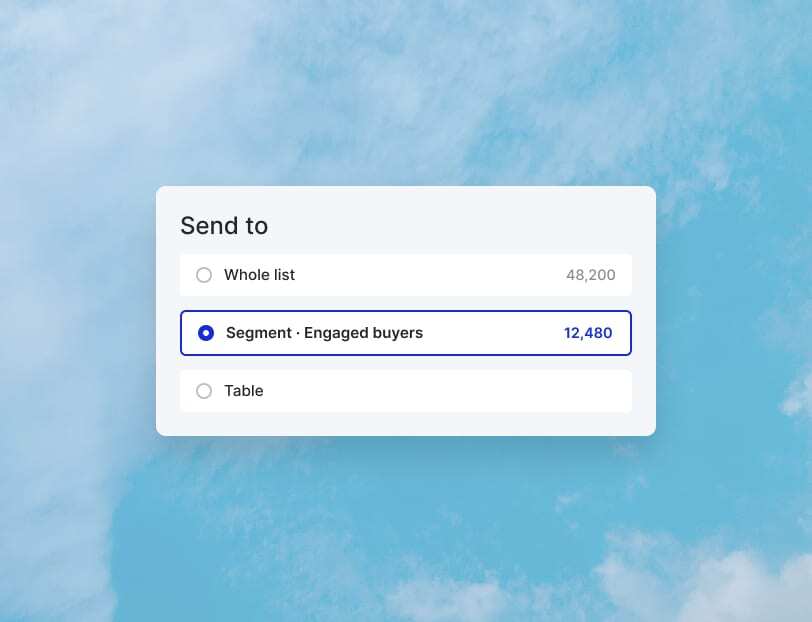
Send to panel with the Engaged buyers segment of 12,480 contacts selected

Aim each campaign at exactly the right group

Send to a whole list, a narrow segment, or a table, whichever fits who the campaign is for.
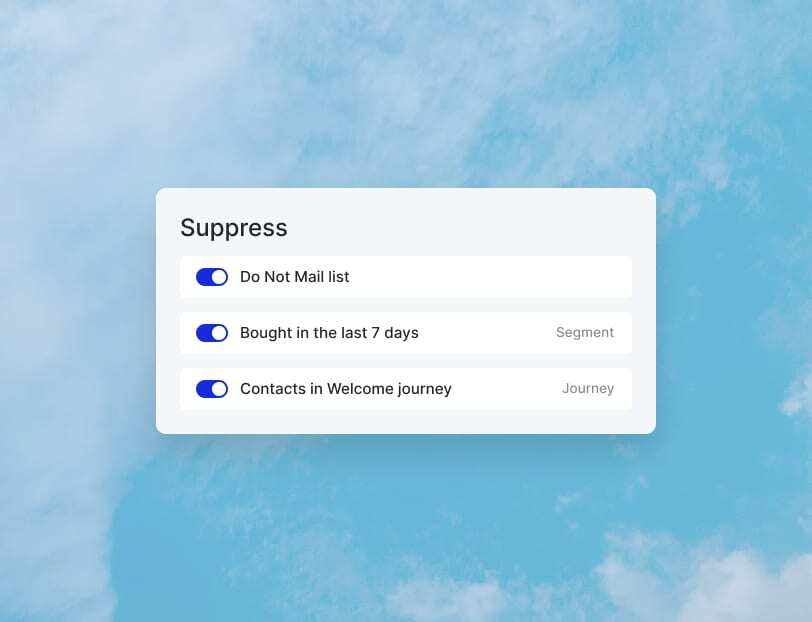
Suppress panel with the Do Not Mail list, recent buyers, and Welcome journey contacts turned on

Keep your audience happy to hear from you

Suppress any list, segment, or journey to keep contacts from receiving too many emails at once.
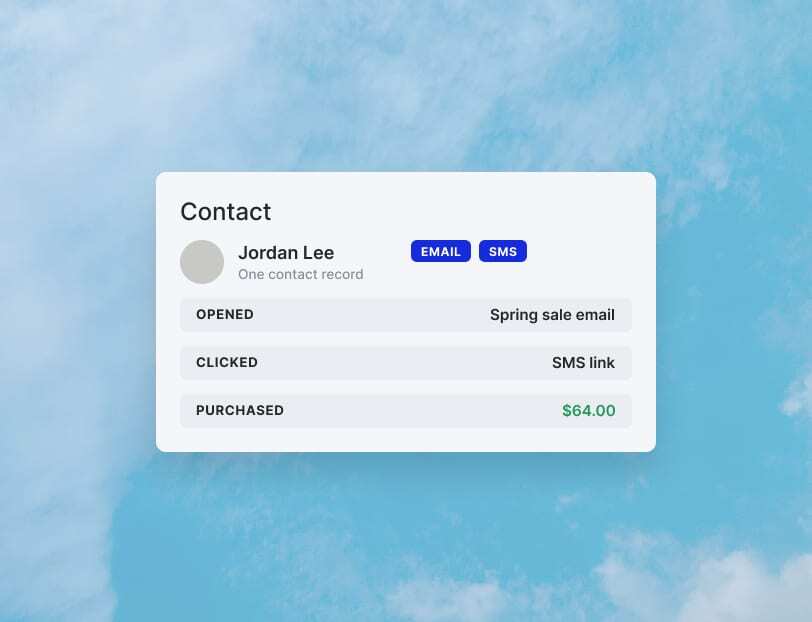
Contact record for Jordan Lee showing email and SMS activity and a $64.00 purchase

Segment on email and SMS together

One contact record holds both channels, so a single segment can draw on everything a contact has done.

Personalization and Dynamic Content

Personalized email campaigns for every audience

The Maropost email and SMS marketing software (Marketing Cloud) tailors one email to every audience with dynamic email content.

Show each audience what matters to them

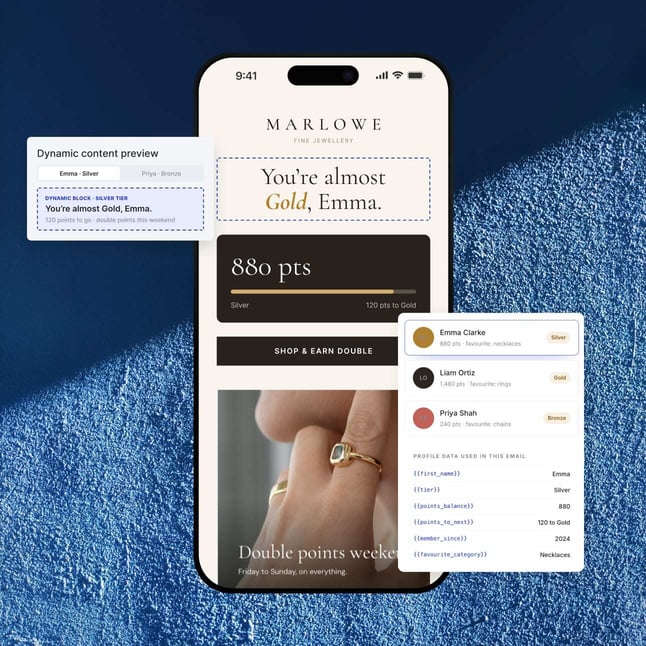
Dynamic content blocks change what appears inside a single email.

Go beyond the first name

Dynamic and Liquid tags fill in names, details, and offers for each reader.

Put the right products in your emails

AI product recommendations draw on your product feed and appear inside each send.

Keep your emails fresh automatically

Content feeds pull new content into your campaigns without a rebuild each time.

Build in the editor you prefer

Choose drag-and-drop, WYSIWYG, or HTML, or pull content in from a URL.

Reuse what already works

Templates and content libraries let you start from past work instead of from scratch.
Promotions

Promotional emails that give readers a reason to act now

Urgency and incentive live inside the email itself, starting with an email countdown timer.

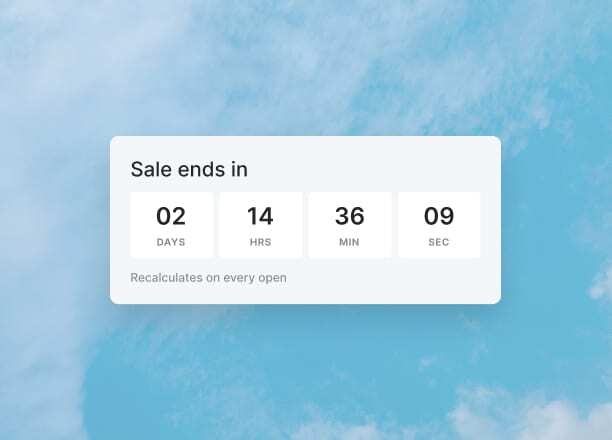
Countdown timer showing 02 days, 14 hours, 36 minutes, and 09 seconds left on a sale

Create urgency with a live deadline

A countdown timer shows readers how much time is left on a sale, launch, or event.
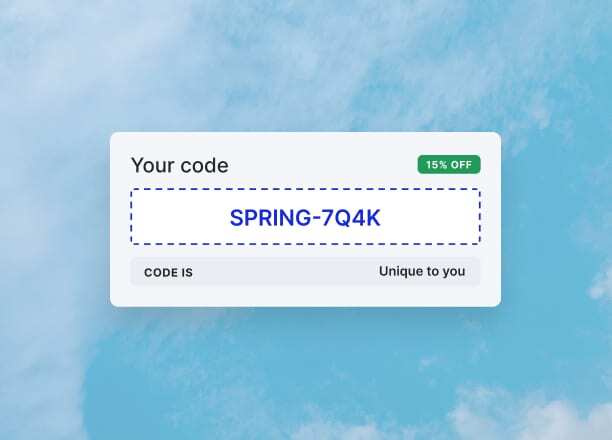
Unique coupon code SPRING-7Q4K for 15% off

Give every reader a code of their own

The coupon bank places a unique code in every email. Codes are uploaded from your commerce platform.
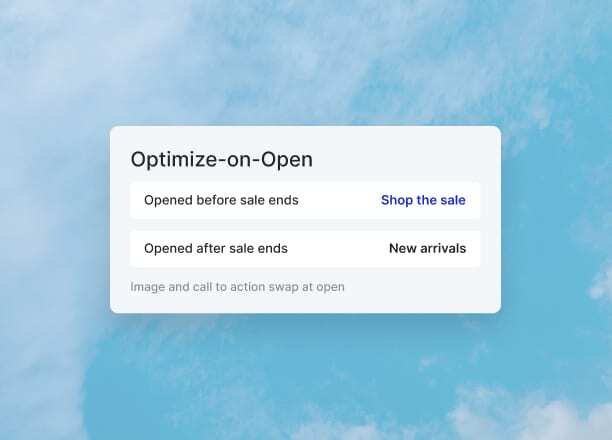
Optimize-on-Open panel swapping Shop the sale for New arrivals after the sale ends

Keep every offer current

Optimize-on-Open images swap the image or call to action based on when the email is opened, so a late reader never sees an expired offer.
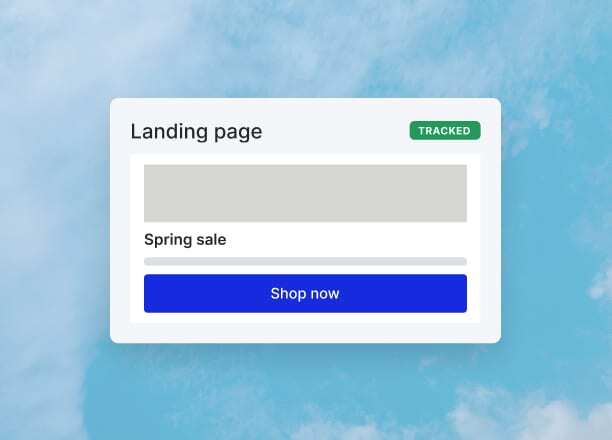
Tracked spring sale landing page with a Shop now button

Pick up where the click leaves off

Landing pages continue the campaign, with behavior and purchase tracking tied to each contact.

Reporting and Analytics

Email marketing analytics for every campaign

Each send gets a report, so you know which emails worked and which need changes.
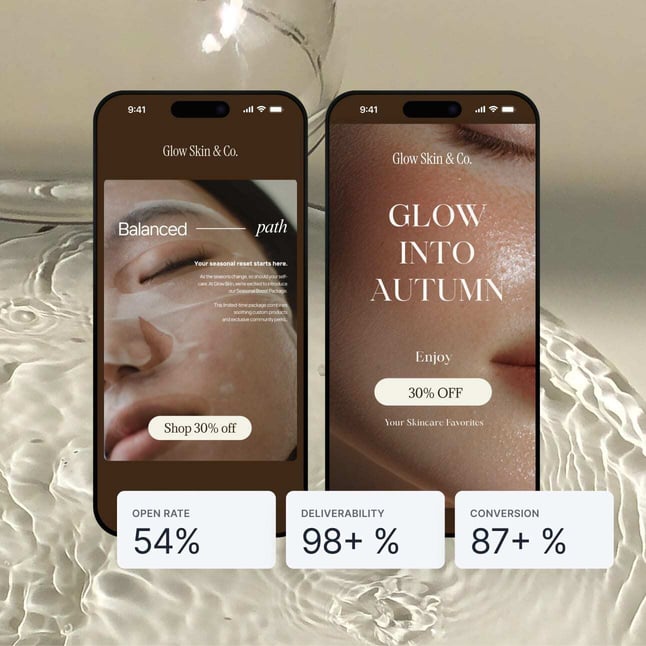
Two Glow Skin & Co. phone emails above open rate 54%, deliverability 98+%, and conversion 87+% tiles

Each campaign report shows delivery, opens, clicks, conversions, and revenue in one place.

Automation

Automated email campaigns that start when contacts act

Journey Builder sends the next message when a contact subscribes, opens, clicks, buys, or visits the site.

Follow up as soon as someone acts

Subscriptions, opens, clicks, purchases, and website activity can each start a journey.

Welcome new contacts and win back old ones

Welcome and win-back journeys send automatically when a contact qualifies.

Run email and SMS from one journey

Email and SMS run in the same flow and share one contact record, so every message draws on everything you know about that contact.

eCommerce

Email marketing campaigns for eCommerce businesses

Everything above works for any business. If you sell online, connect your eCommerce platform and Maropost adds purchase-based features built for eCommerce email marketing.

Connect the store you already use

Shopify, Neto, Magento, Retail Express, and other carts connect to Maropost.

Keep product details current

Your product catalog syncs from your store.

Send when customers are ready to buy

With your store connected, Conversion-Time Optimization draws on each customer's purchases instead of their opens.

Follow up on abandoned carts and browsing

Web tracking and cart data start abandoned cart, browse, and purchase journeys, and an abandoned cart API captures carts left behind.

Feature the right products automatically

Recommendations are generated in real time from your synced catalog when each email sends.

Connect purchases to the campaigns behind them

With web tracking set up, purchases from email click-throughs are attributed to the contact. That data feeds revenue reports and conversion-rate A/B winners.

Spot your best buyers and the ones slipping away

eRFM surfaces VIPs, buyers at risk, and win-back audiences from how often and how much customers buy.

Know which codes get used

Every code is trackable, and each redemption ties back to the contact who received it.
See what the next campaign brings in

Marketing Cloud takes a campaign from send time and the test through to the report.

Maropost Email Marketing Campaigns FAQ

The Maropost email and SMS marketing software (Marketing Cloud) handles email campaign management and SMS in one place, from the schedule to the report. Email and SMS share one contact record, so each campaign draws on the same customer information. It suits businesses of any kind, including B2C and B2B brands, retailers, publishers, agencies, and affiliate programs.

A Maropost campaign is built in four steps: details, contacts, content, and schedule. Add the name, subject line, preheader, and tags, choose who to include and who to suppress, then pick the content and run the spam check. Send it now, with Priority Send®, with timezone, send-time, or conversion-time optimization, or on a recurring schedule.

Maropost Send-Time Optimization reads each contact's open history and sends on the day and at the hour that contact is most likely to engage. Two contacts on the same campaign can receive it at different times.

Send-Time Optimization in Maropost follows when each contact opens. Conversion-Time Optimization follows each contact's online purchase habits, so the send aims at a sale. It fits senders whose contacts buy online.

A Maropost A/B campaign can test subject lines, preheaders, email content, from names, and send times. Set at least two groups, and give each its own share of the audience.

Maropost can name the winner by open rate, click rate, click-to-open rate, or conversion rate, or you can choose it yourself. Top Choices pairs the best subject line and from name by open rate with the best content by click rate. The winner then goes to the rest of the audience on the schedule you set.

Yes. Dedicated IPs are a paid option in Maropost, so you can send from your own IP addresses and build reputation on them. IP and domain warm-up raises volume gradually. Maropost cannot guarantee inbox placement.

Maropost authenticates the sending domain with SPF, DKIM, and DMARC, and checks every campaign's spam score before it can send. Suppression lists, unsubscribe handling, and alerts for high spam scores sit alongside that. Priority Send® reaches the most engaged contacts first, and deliverability reporting with Google Postmaster Tools shows how sending is performing. Maropost cannot guarantee inbox placement.

Maropost holds any campaign with a spam score of 5 or higher. The spam checker lists what to fix, and the campaign can send once the score is under 5.

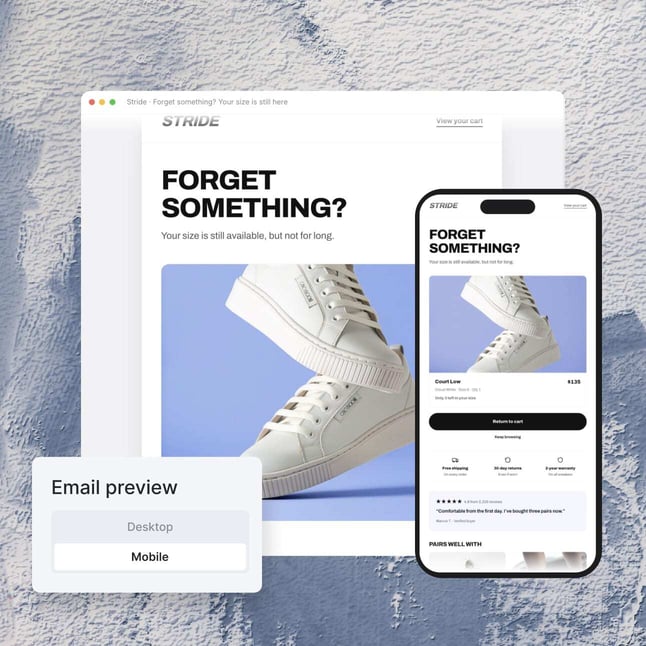
Yes. Maropost shows how the email renders across clients and devices, previews dynamic content, and sends a test to up to 30 recipients.

Maropost segments use campaign activity, purchases, website behavior, and contact attributes. Build them in the Next-Gen builder, the legacy builder, or the AI segment builder.

Maropost eRFM scores each customer by recency, frequency, and monetary value, so campaigns can target engaged customers, customers at risk, and win-back audiences. The full report needs 180 days of transaction data and 90 days of engagement data.

Yes. Dynamic and Liquid tags in Maropost fill in names, details, and offers, and dynamic content blocks show different content to different audiences in the same email. One campaign can carry different offers by location, industry, or past purchases.

Maropost builds product recommendations when the email sends, from your product feed and the rules you set. Keep the catalog current, with a name, image, and price for each product, so each recommendation has what it needs.

A Maropost countdown timer is an animated image created when the email is opened. It shows the days, hours, minutes, and seconds left, and it recalculates on every open.

Upload coupon codes from your commerce platform into the Maropost coupon bank. Each send places a unique code in that contact's email, so redemptions can be tracked and followed up.

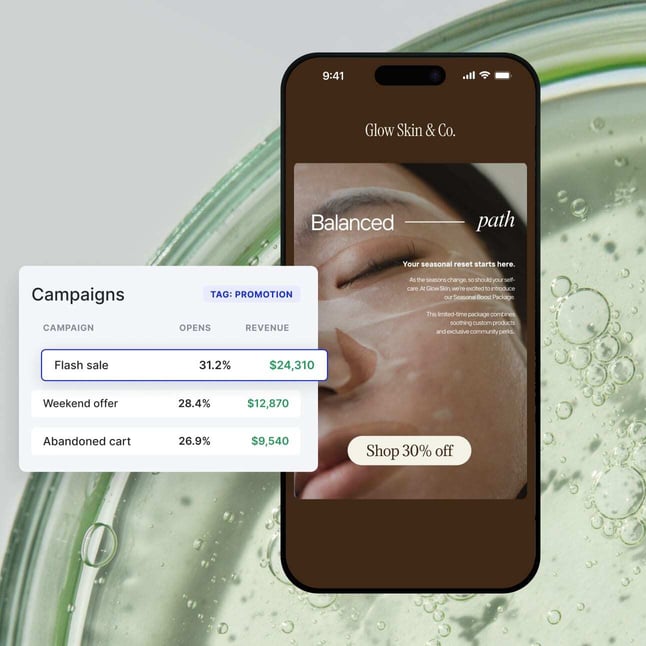
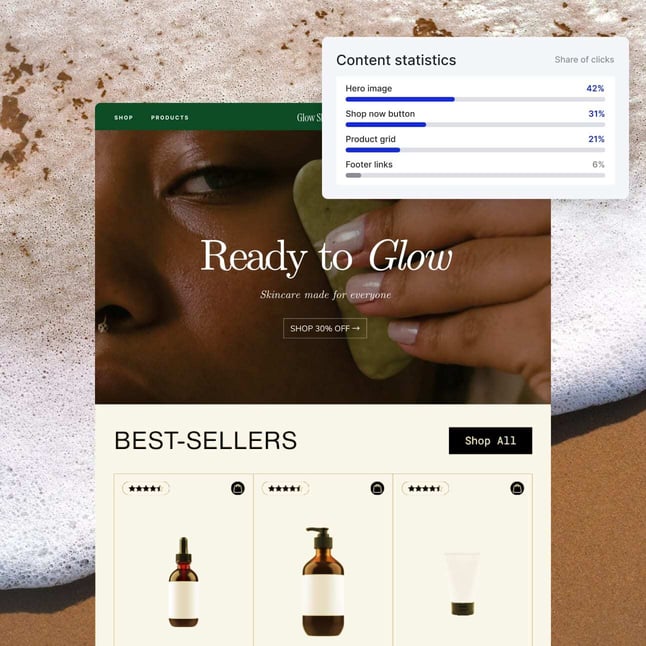
Maropost campaign reports cover delivery, opens, clicks, conversions, and revenue. Campaign tags filter and compare sends, and email content statistics show which creative performs.

Yes, once web tracking is set up. Maropost attributes purchases from contacts who click through an email to those contacts. Use that data in segments, in campaign reports, and to pick A/B winners by conversion rate.

A Maropost email campaign is a scheduled send to an audience you choose. A Maropost journey sends on its own: a contact enters when a trigger fires, such as a subscription, a purchase, or an abandoned cart.

Yes. Maropost Journey Builder can send email and SMS in the same flow, including welcome, abandoned cart, and win-back. SMS is an add-on.

No. Scheduling, A/B testing, spam checks, deliverability, segmentation, personalization, and reporting in Maropost all work without an online store. Connecting an eCommerce platform adds purchase timing, product recommendations, revenue tracking, and eRFM.

Maropost connects with Shopify, Neto, Magento, and Retail Express, and it syncs the product catalog. An abandoned cart API covers other carts.